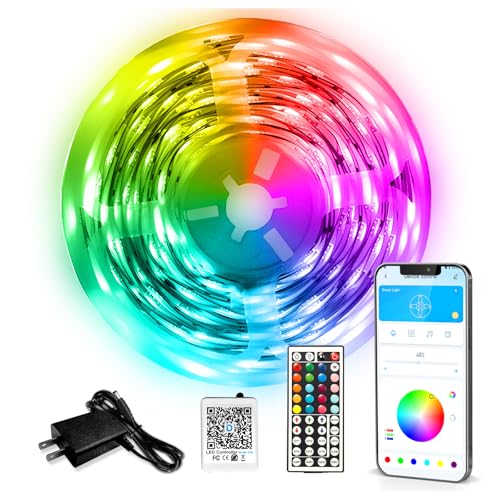
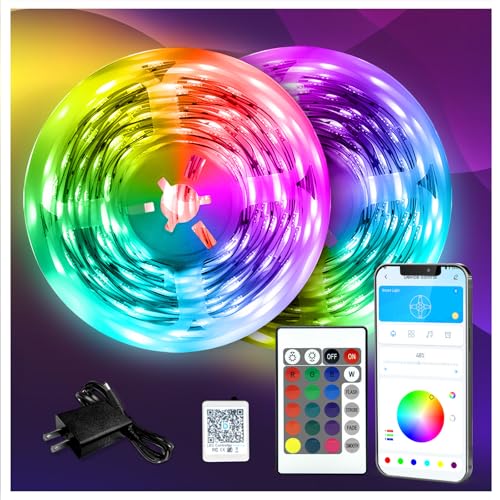
What to know about Daybetter LED
Daybetter offers solid value in the budget LED strip segment ($15-25). Their kits include adhesive backing, IR remote or WiFi app, and music sync on higher models. Reliability is mid-tier: most users get 1-2 years before color or controller issues. Best for first-time LED buyers, gaming setups, kids rooms. Step up to Govee or Philips Hue if you need premium color accuracy or Apple HomeKit. Smart Daybetter models pair via the Daybetter app or Smart Life app. Steps: download app, create account, plug LEDs into power, hold the Mode button 5 seconds until the strip flashes, open the app and select Add Device, choose LED Strip, enter your 2.4 GHz WiFi password (not 5 GHz, the most common error), then name the device. Alexa and Google Home integration is in the same app under Linked Accounts. But only at the marked cut lines (scissors icon every 3 LEDs or 100mm). Cutting between marks breaks the circuit and the segment will not light. Once cut, the unused piece cannot be reconnected without a solder joint or a separate LED connector. Plan length before installing the adhesive backing, because removal damages the 3M tape. On smart-LED models with WiFi controllers, not basic IR-remote-only kits. After pairing the strip in the Daybetter app, link the Daybetter skill in the Alexa app, then say Alexa discover devices. You can control colors, scenes, on/off and brightness with voice. Music sync mode is controlled in the app, not by voice. Same flow works for Google Home. The 100ft kit is the longest single-package Daybetter strip. It ships as two 50ft segments with a connector. For runs longer than 100ft you would need two separate controllers and power supplies. Clean the surface with isopropyl alcohol so the 3M adhesive holds. Peel and stick in 6 inch sections, pressing firmly. For corners use the cut-and-connect method or a corner-bracket adapter. Power supply should hang near an outlet, not at the far end of the run. Pre-test colors and music sync before committing to placement. Three common causes: the strip color order is BGR not RGB (set in the app), the controller is on the wrong preset (try Mode reset), or the strip itself was damaged at a cut point. If only one segment is wrong, check the cut joint. If colors swap globally, the BGR setting fix takes care of it.